Summary
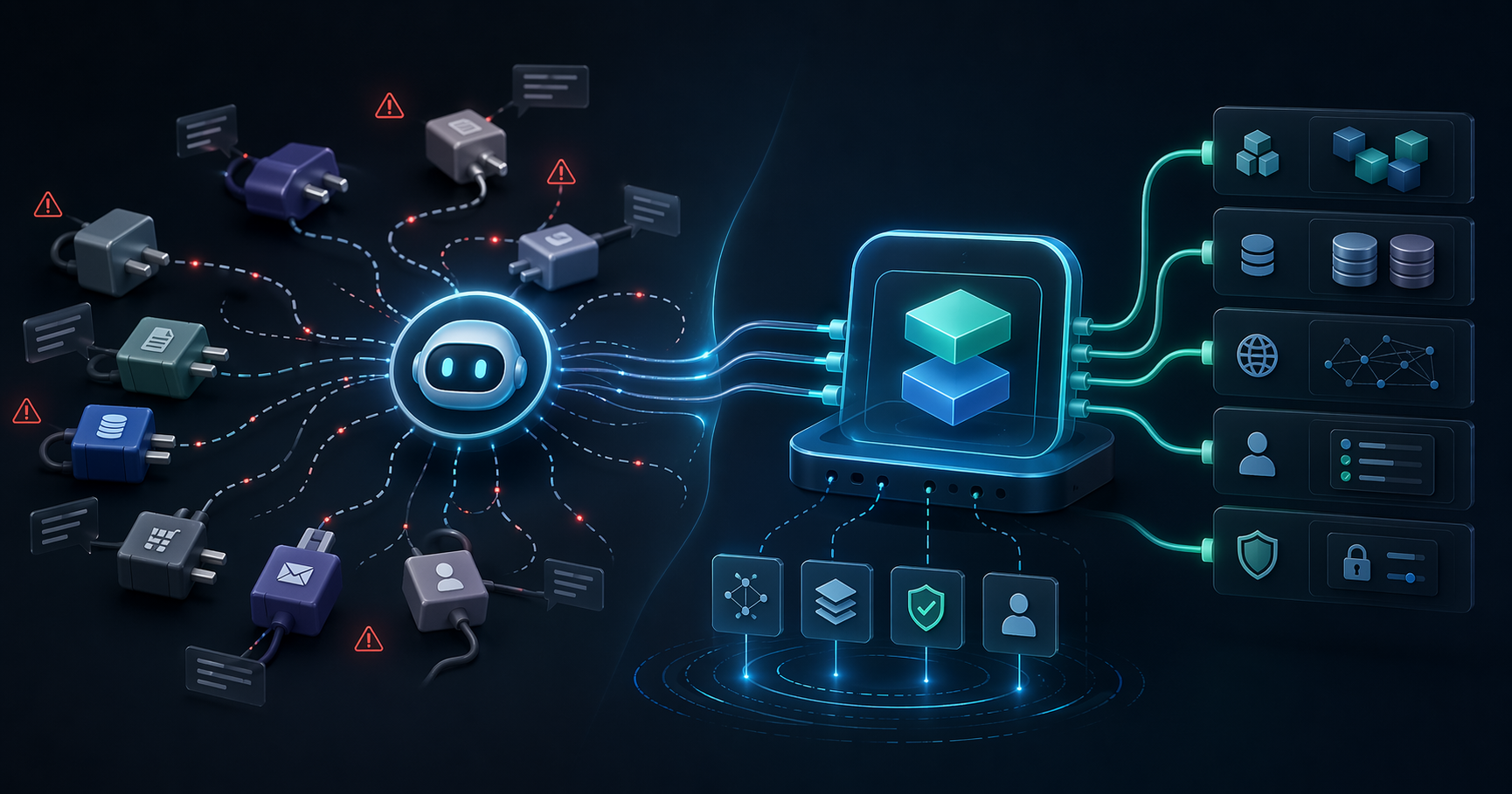
The first thing most teams notice about MCP is the upside: Claude, ChatGPT, Cursor, and internal agents can finally use real tools instead of staying trapped inside chat.
But once those tools touch CRM records, contracts, finance data, internal knowledge, or operational workflows, the real question changes.
It is no longer:
Can AI call this tool?
It becomes:
Can AI call this tool safely, under the right permissions, with enough auditability to pass a real production review?
That is where many enterprise MCP projects stall. Not because the demo fails, but because the security model is not ready for production.
This checklist focuses on the OAuth 2.1 and authorization issues that matter most when MCP moves from prototype to enterprise rollout.
Why MCP needs more than a shared API key
For small demos, teams often start with a shared API key because it is fast.
That shortcut breaks down quickly in enterprise environments:
- You cannot clearly identify the real actor behind a tool call.
- Access is too broad and hard to reason about.
- Revocation becomes messy.
- Audit trails are weak.
If your MCP server can read customer data, create drafts, trigger workflows, or update records, a shared credential is not enough. You need authorization that maps back to a user, role, tenant, or service account with clear boundaries.
Check 1: Design scopes around business capabilities
Scopes should not be an afterthought.
Many systems stop at overly broad scopes such as:
readwriteadmin
For enterprise AI rollouts, those labels are usually too coarse.
It is more useful to design scopes around business capabilities, for example:
crm.contacts.readcrm.contacts.writeproposal.generateknowledge.searchbilling.invoices.read
Why this matters:
- It maps better to real business permissions.
- It helps different agents receive only the minimum capabilities they need.
- It makes audits, policy reviews, and incident response easier later.
Check 2: Keep access tokens short-lived and revocable
MCP workflows can be high-frequency, multi-step, and heavily automated.
That means token misuse can scale faster than in a typical one-off login flow.
At a minimum, production-ready MCP authentication should include:
- Clearly bounded access token lifetimes
- Revocable refresh tokens
- A defined incident response path when credentials are exposed
- Re-authentication or step-up checks for high-risk operations
If your current model assumes a token can live for a long time with limited control after issuance, you are still carrying production risk.
Check 3: Treat multi-tenant isolation as a three-layer problem
A surprising number of teams say they support multi-tenancy when they really mean they added a tenant_id field somewhere.
For MCP, tenant isolation should be considered across three layers:
Identity layer
Different tenants should have clearly separated authorization context, credentials, and policy evaluation.
Tool layer
Do all tenants even have access to the same tools?
Sometimes the answer should be no. Tool discovery itself may need to vary by tenant, plan, department, or environment.
Data layer
Even when tools are shared, returned data and allowed actions must remain constrained to the correct tenant boundary.
If one of these layers is weak, production incidents become much harder to contain and explain.
Check 4: High-risk tools need human boundaries
Not every tool should be fully autonomous.
A useful way to classify enterprise tools is:
- Low risk: search, read, summarize, retrieve
- Medium risk: generate drafts, prepare recommendations, stage changes
- High risk: delete, approve, submit, pay, or mutate core records
For high-risk tools, production designs should usually consider:
- Human-in-the-loop review
- Approval checkpoints
- Secondary confirmation
- Extra authentication for sensitive actions
Enterprise teams are far more likely to adopt AI when the system makes it obvious where automation ends and human approval begins.
Check 5: Logging must answer real operational questions
An audit trail is only useful if it helps you answer:
- Who triggered the action?
- Through which agent or platform?
- Which tool was used?
- What happened?
- Did the call succeed, fail, or get blocked?
- Which tenant or customer context was involved?
When security, compliance, or customer trust is on the line, “we have logs somewhere” is not enough.
You need logs that are structured enough to support:
- Incident response
- Customer communication
- Internal investigation
- Policy tuning
Check 6: Error responses should not leak internal structure
MCP tools often surface errors back into a model context.
If you are not careful, those errors can expose:
- Internal field names
- Service topology
- Query structure
- Policy design details
A better pattern is:
- Minimal external error messaging
- Rich internal logs for operators
- Clear separation between authorization errors and system failures
That improves both security and agent behavior.
Check 7: Test failure paths before production
Many teams test only the happy path.
Production issues usually happen elsewhere.
Before rollout, it is worth simulating:
- Expired tokens
- Revoked refresh tokens
- Scope mismatch
- Wrong tenant context
- Rate limits
- Partial downstream failure
- Suspended users with lingering sessions
This is especially important for AI workflows, where retry loops and automation can amplify small failures into large incidents.
A realistic minimum standard
If you are bringing your first MCP server into production, a practical baseline looks like this:
- No shared API key as the final authorization model
- Scopes mapped to business capabilities
- Short-lived access tokens and revocable refresh tokens
- Tenant isolation across identity, tool, and data layers
- Human checkpoints for high-risk actions
- Audit trails with enough detail to reconstruct events
- Minimal external error disclosure
- Failure-path rehearsal before launch
That will not solve every edge case, but it will move your MCP stack much closer to something the business can trust.
Conclusion
The hard part of enterprise MCP is not connecting tools to models.
The hard part is making those tools safe, governable, and production-ready inside real business systems.
If your team is still early in planning, starting with authorization, scopes, tenant boundaries, and audit design will usually pay off more than debating SDK choices too early.
Method and framing
This piece is based on recurring issues that show up when enterprise teams move from AI demos to MCP rollout planning. The goal is not to explain OAuth 2.1 academically, but to highlight the security controls that most often determine whether a project can enter production.
FAQ
Do enterprise MCP projects always need OAuth 2.1?
Not every internal prototype needs a full rollout model on day one, but once MCP touches production systems, tenant boundaries, or regulated workflows, a standardized authorization design becomes much more important.
Why is a shared API key not enough for production MCP?
Because it makes it difficult to identify the real actor behind a tool call, limit permissions cleanly, revoke access precisely, and produce credible audit trails during incidents.
What part of multi-tenant security gets missed most often?
Teams often think only about data filtering, but identity context and tool visibility matter too. If those are not isolated properly, tenant leakage can still happen even when tables include a tenant field.
Need help reviewing your MCP security model?
BotsUP helps enterprises design MCP integration layers, OAuth 2.1 authorization, tenant isolation, and production rollout practices for AI workflows.
Related reading:
- Why Your AI Agent Needs MCP, Not Just APIs
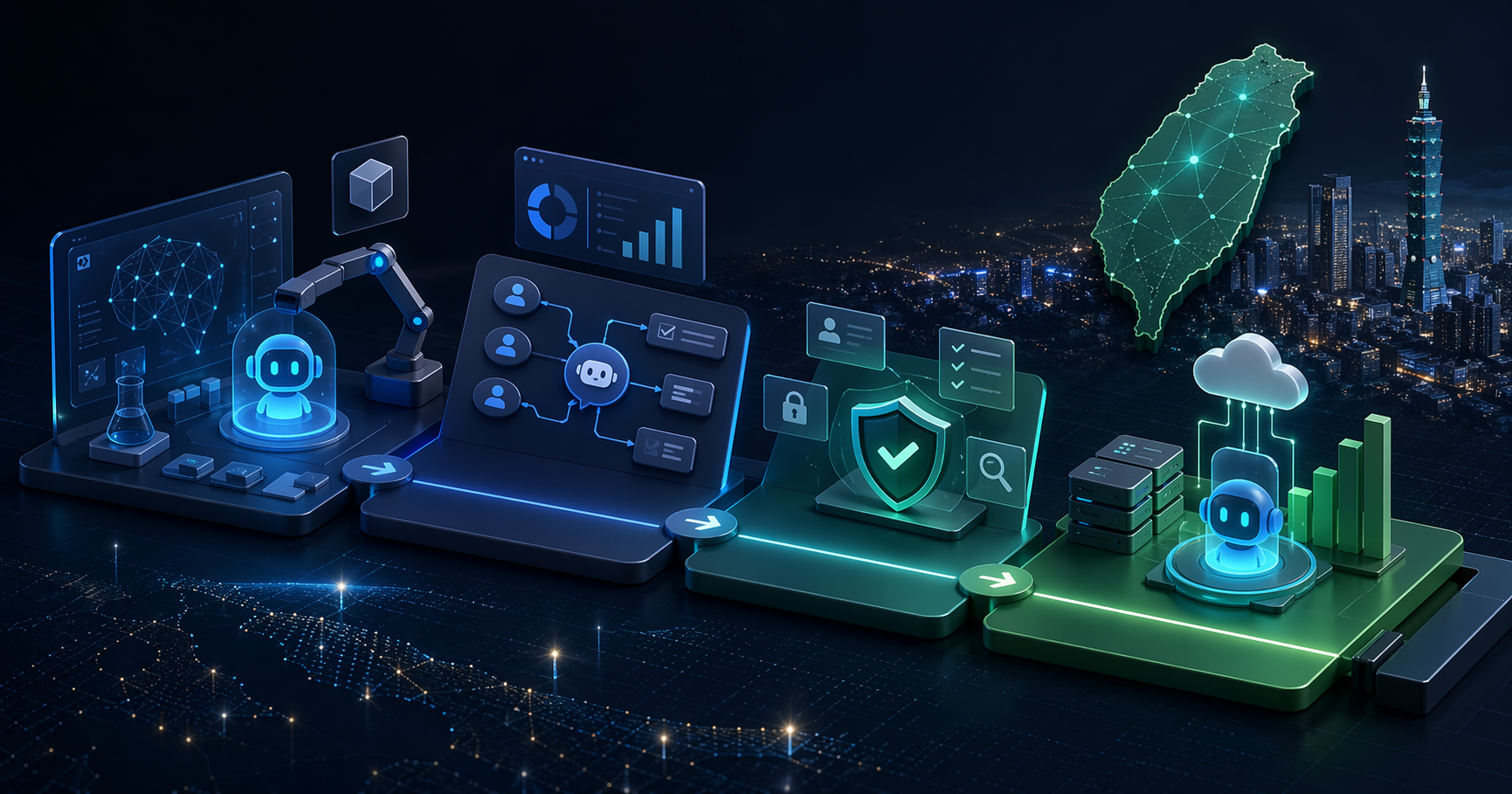
- AI Agent Adoption for Taiwan Enterprises: From POC to Launch
If you want a practical review of your current architecture, book a consultation.
Ongoing partnership
Bring the next step into practice.
A monthly advisory and development team to keep AI adoption, workflows and products moving forward.